

Turn Outgrown Gear Into Cash
Selling with Mountain Kids is simple: register, tag your items, drop them off, and get paid.
Fall 2026 Sale October 2-4. Eagle County Fairgrounds.

1 REGISTER
Reserve your spot as a consignor through MySaleManager. Early bird, mid, and regular registration tiers are available — the earlier you register, the lower your fee.
2 TAG
Use MySaleManager to enter your items, print your tags, and set your prices. You choose whether each item is marked to reduce for half-price day and whether unsold items are donated or returned to you.
3 DROP OFF
Bring your tagged items during your scheduled drop-off window. Our team will do a quick quality check as items go onto the sales floor.

4 GET PAID
After the sale, log in to MySaleManager to see what sold. Payouts are issued by Venmo, PayPal, Zelle, or check — whichever you prefer.
Quality standards
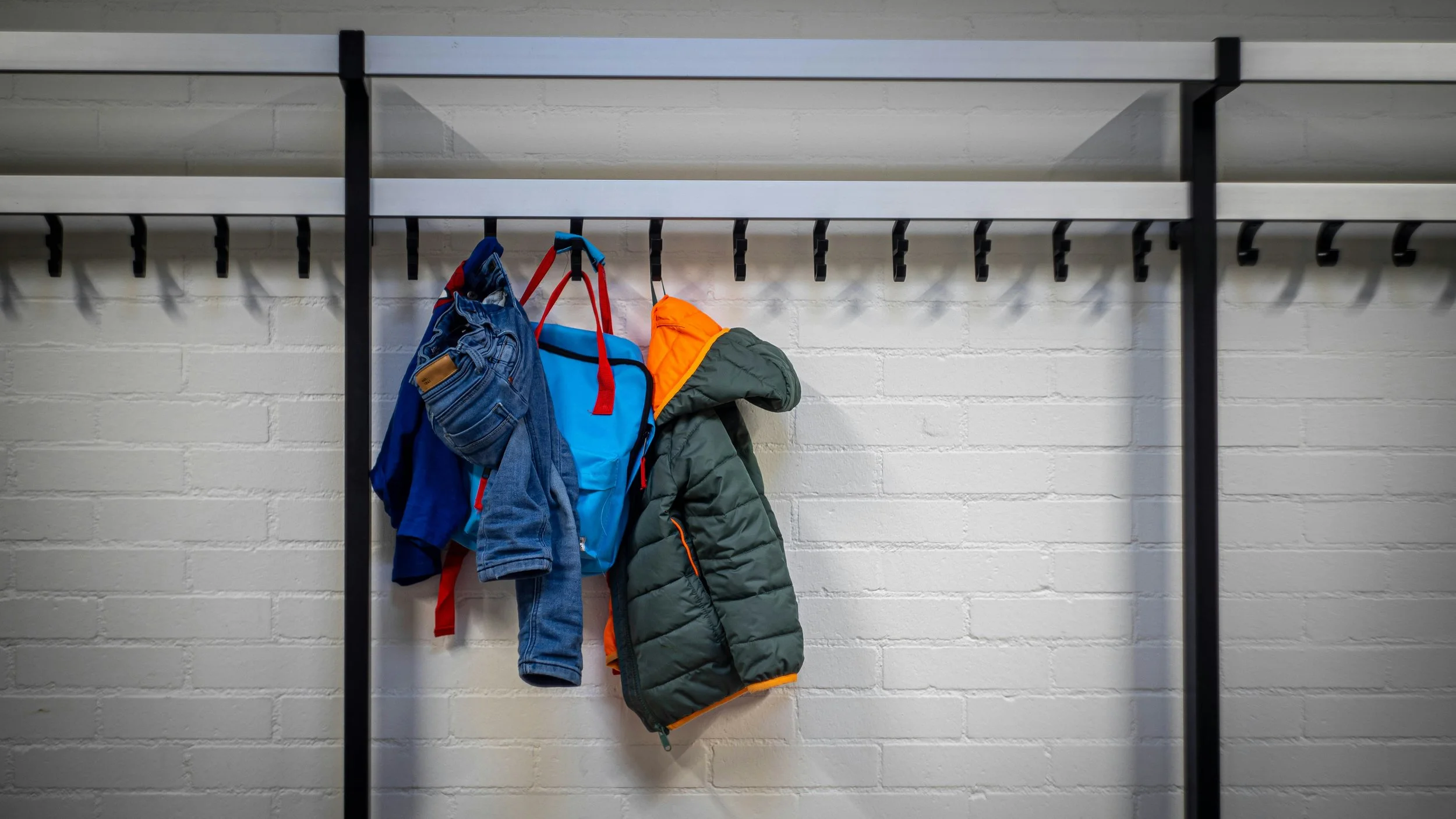
We want shoppers to feel confident buying from us, so all items should be clean, in good working condition, and appropriate for the season. Full tagging and quality guidelines are provided after registration.

Community
Unsold items marked for donation go directly to The Kids Closet, supporting local families in our community.
Bilingual Note
MySaleManager registration is currently English-only, but we've created a step-by-step Spanish guide to walk you through it. Join our Consignor Facebook Group for bilingual Q&A and support — our team answers in both English and Spanish.
Seller Guide link
Need help gathering, sorting, tagging, and pricing your items? Download our full Seller Guide for step-by-step instructions, photos, and pricing tips.
Consignor FAQs
-
You keep 65% of whatever your items sell for — we take a 35% commission to cover event costs. Many consignors clear $100–$400+ in a single event, depending on how much they bring and how they price it.
-
If you've got a bin of outgrown clothes or gear sitting in a closet, yes — most of the work is tagging, which takes less time than you'd think once you get the hang of it. Many families find it's the easiest way to turn "stuff we don't need" directly into cash, without the hassle of listing items individually online.
-
Yes. Every item needs a Mountain Kids tag (created through MySaleManager) so it can be tracked, priced, and paid out correctly. Untagged items can't go on the sales floor.
-
Yes! Our VIP Tagging service lets you drop off your items untagged, and our team will tag and price them for you for a small fee ($0.45 per item). You'll still set your own prices in advance through a simple form — we just handle the physical tagging. Availability is limited, so VIP Tagging slots should be reserved in advance.
-
Yes! Anyone can register as a consignor — you don't need to be a business, and you don't need experience. If you have gently used kids' clothing, shoes, toys, or gear taking up space, you're welcome to sell.
-
Register as a consignor through MySaleManager, choose your registration tier, then start tagging your items. Full instructions (including our Spanish-language guide) are provided right after you sign up.
-
Clean, complete, and priced to move sells fastest. Shoppers are looking for a great deal — items priced at 50–75% off retail (or more) tend to sell first. Marking your items to reduce on half-price day also gives them a second chance to sell before the event ends.
-
You choose at registration: pick your items back up during our scheduled pickup window, or donate them. Donated items go directly to The Kids Closet, supporting local families in our community.